heat press temp
Set temperature to 320°F / 160°C
instant hot-peel
Press for 10 seconds and peel.
Wash after wash
75+ washes strong


DTF Gang Sheets – Custom DTF Transfers


Orders placed before 1:00 PM Pacific Time (PST) ship the same day. Orders placed after 1:00 PM PST ship the next business day.
For local pickup, place your order by 11:00 AM PST for same-day pickup. Orders placed after 11:00 AM PST will be ready the following business day.
If you order after 11:00 AM PST and need to pick-up the same day, we do offer same day rush service here ➡️RUSH FEE
⚡Premium Hot-Peel Quality
🎨 Lasting Colors
⏳10 Second Press
✅ Pickup available at Halo26 Los Angeles, CA (accessible during business hours 9:00am to 4:30pm)
Print more designs on one sheet and save on transfer costs. HALO26 prints high-quality DTF gang sheets in Los Angeles for apparel brands, print shops, businesses, schools, teams, events, and creators. Upload your artwork, build your gang sheet online, and choose the size that works for your order.
Why HALO26?
How It Works
1. Choose your size
Select the length you need.
2. Upload your artwork
Upload print-ready PNG files with Transparent background.
3. Build your gang sheet
Arrange your designs to maximize the sheet.
4. We print it
Your transfers are printed and ready to press.
5. Pick up in Los Angeles or have it shipped
Placing an order confirms you have read and agreed to the above terms.
If you receive a defective or damaged item, please contact HALO26 within 7 days of receiving your order for support and resolution.
Need It Rushed? Add Rush Fee on orders placed before 12PM — See Details
Browse our full DTF Transfers collection or shop all products.
Set temperature to 320°F / 160°C
Press for 10 seconds and peel.
Wash after wash
75+ washes strong

Heat press settings can vary by machine, so you may need a little testing to find your perfect setup. For Halo26 DTF transfers, we recommend starting at 320°F / 160°C with a press time of 8–10 seconds using firm/heavy pressure. Adjust slightly as needed based on your specific press and garment to get consistent, high-quality results.
To apply, position your Halo26 transfer on the garment where you want it and smooth out any wrinkles or moisture in the fabric first. Press using the recommended temperature, time, and heavy pressure. Following these guidelines will help you achieve vibrant, durable prints with your Halo26 DTF transfers.
DTF (Direct‑to‑Film) printing is a process where your artwork is printed onto a special film, coated with adhesive powder, cured, and then heat‑pressed onto your garment. It works great on cotton, polyester, and blends, in both light and dark colors, and produces vibrant full‑color designs.
A DTF gang sheet is a large sheet of film where you “gang” or combine multiple designs, logos, and sizes onto one sheet. With the Halo26 Gang Sheet Builder, you can upload several PNG files, arrange them on a single sheet, and maximize space to save time, money, and materials.
The Halo26 builder lets you drag and drop multiple designs in your browser—no complex software needed. You can mix left‑chest logos, full‑front prints, sleeve prints, and tag labels on one sheet, helping you lower your print cost per design and reduce waste.
Our online DTF gang sheet builder is ideal for DIY creators, apparel brands, print shops, small businesses, schools, and event organizers who want fast, full‑color custom prints without investing in expensive equipment.
For best results, upload high‑resolution PNG files with a transparent background at 300 dpi (at the size you want them printed). Vector files can be exported as PNG before uploading. Low‑resolution or screenshot images may look blurry or pixelated when printed.
No. Halo26 prints exactly what you upload. We do not remove backgrounds, fix colors, or edit your files. If your image has a white or colored background, that background will print. Please double‑check your artwork before ordering.
Your designs will print exactly as they appear in the file you upload—colors, size, and background included. By placing an order you confirm you have the rights to the artwork and that the files are correct. Halo26 is not responsible for issues caused by low‑quality files, spelling errors, or unwanted backgrounds.
Our DTF transfers work on most cotton, polyester, and cotton/poly blends, as well as many fleece garments, hoodies, and tote bags with flat print areas. If you’re using specialty or very stretchy fabrics, we recommend testing a sample first.
A good starting point is320°F / 160°Cfor8–10 secondswithfirm/heavy pressure. Always use a quality heat press and follow our peel instructions for the specific transfer you purchased. You may need to fine‑tune slightly based on your press and garment.
Yes. We recommend a short pre‑press (about 3–5 seconds) to remove moisture and smooth out wrinkles. This helps the transfer bond better and improves durability.
We use a hot peel.
A clamshell or swing‑away heat press is strongly recommended for consistent temperature and pressure. Some customers use craft presses, but results can be less reliable. If you use a non‑commercial press, test a few pieces first.
For longest life, turn garments inside out, machine wash cold or warm on a gentle cycle, avoid bleach and harsh detergents, and tumble dry low or hang dry. Do not iron directly on the print; if needed, iron inside out or use a pressing cloth over the design.
When pressed at the correct temperature, time, and pressure, and cared for properly, Halo26 DTF transfers are designed to be durable with excellent wash resistance. Incorrect application or harsh washing/drying conditions can shorten the life of the print.
Yes. We offer a same‑day rush option for eligible local pickup orders placed after our regular cutoff time, for an additional fee. Add the Halo26 rush product to your cart if you need same‑day service after the 11:00 AM PST cutoff (subject to current availability and posted policies).
Orders placed before2:00 PM Pacific Time (PST)typically ship the same business day; orders placed after 2:00 PM ship the next business day. For local pickup, place your order by11:00 AM PSTfor same‑day pickup. Orders after 11:00 AM without a rush option are usually ready the next business day.
Standard Halo26 gang sheet orders are shipped as one continuous sheet so you can cut the designs apart as needed. This gives you maximum control and helps keep costs down. If we add a cutting service in the future, it will be clearly listed as an upgrade on the product page.
Absolutely. You can combine full‑front graphics, left‑chest logos, sleeve prints, hat prints, and neck labels on a single sheet. Use the Halo26 Gang Sheet Builder to rotate and arrange everything so you’re using as much of the sheet as possible.
Our online DTF gang sheet software is ideal for:
If you're printing custom shirts, hoodies, tote bags, or promo items, the Halo26 DTF gang sheet builder makes it easy to upload and organize many designs—no special software or advanced design skills needed. Browse our full DTF Transfers collection to see all available options.
Best DTF prints in LA. I get all my prints from Halo26. Same day prints if you get them in before 11am. Oh yeah not to mention nobody is beating they prices.
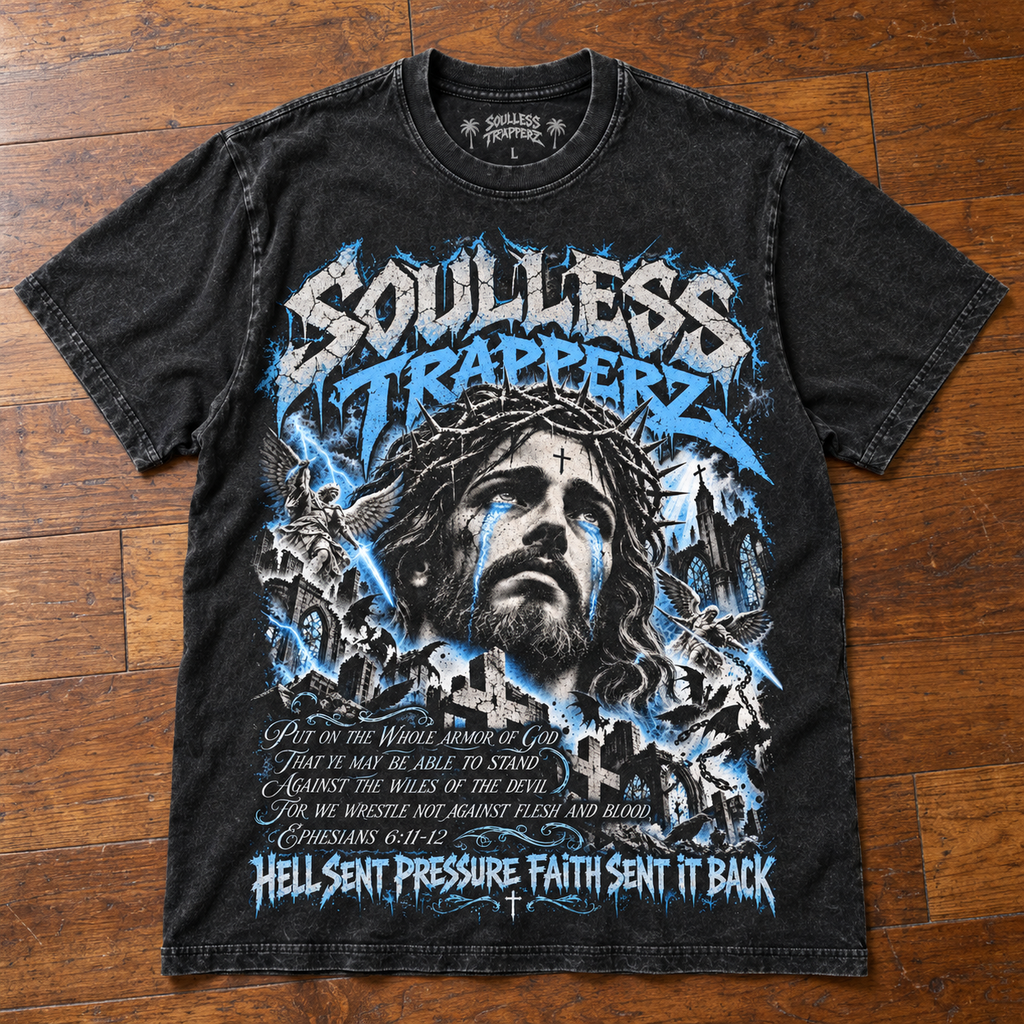
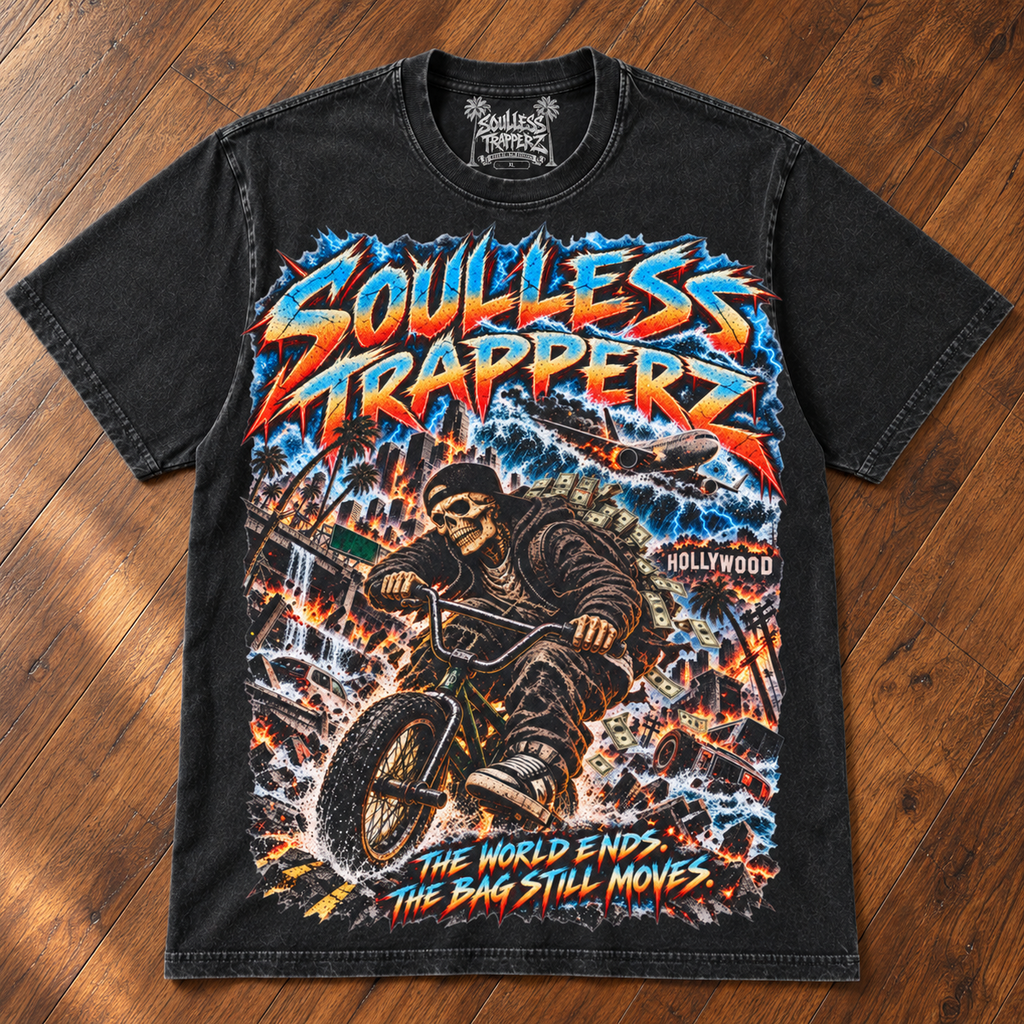
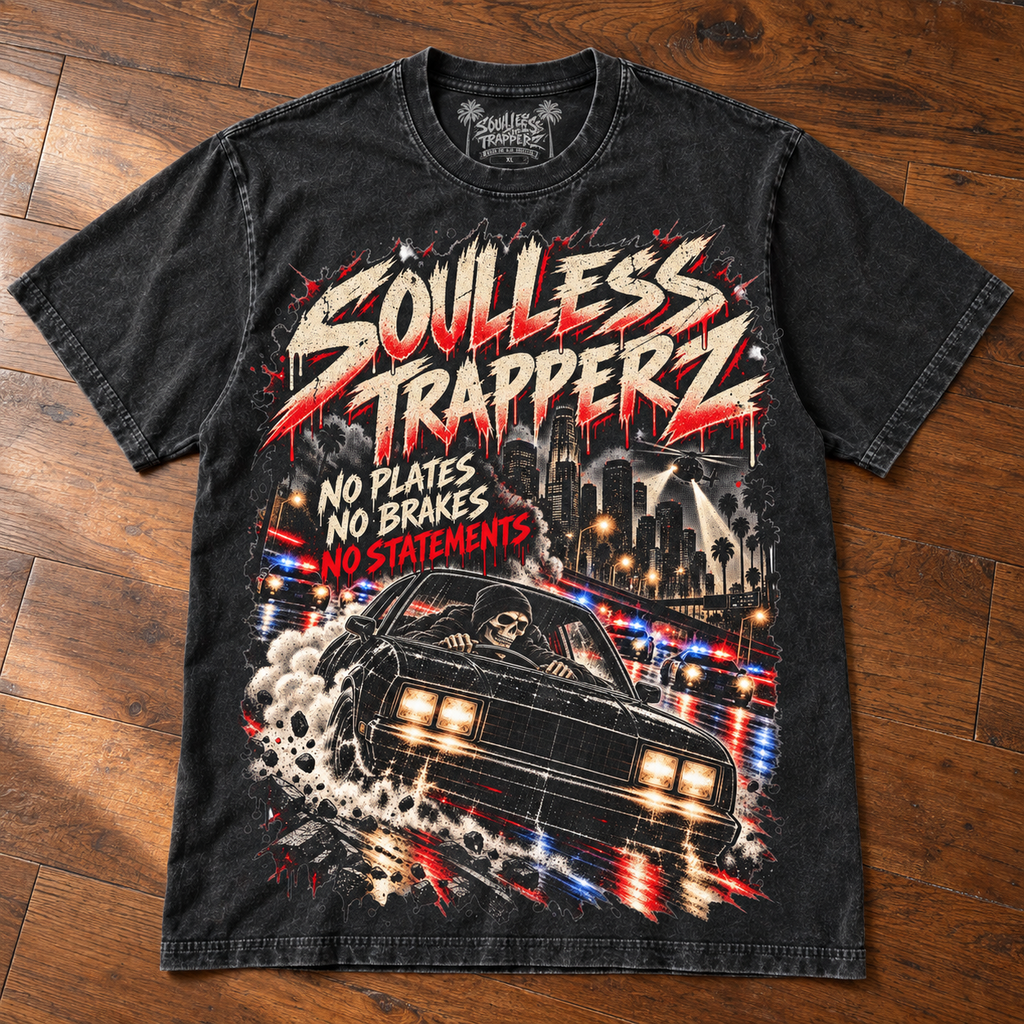
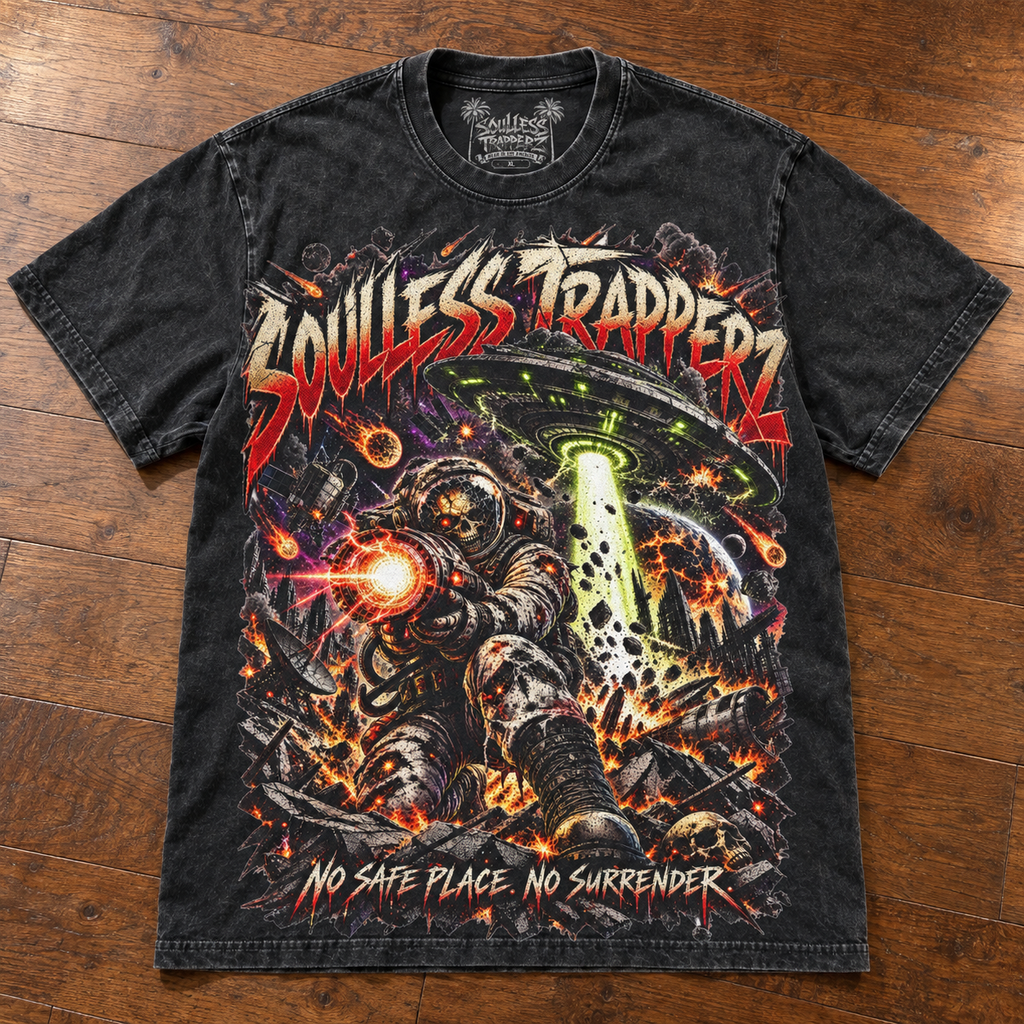
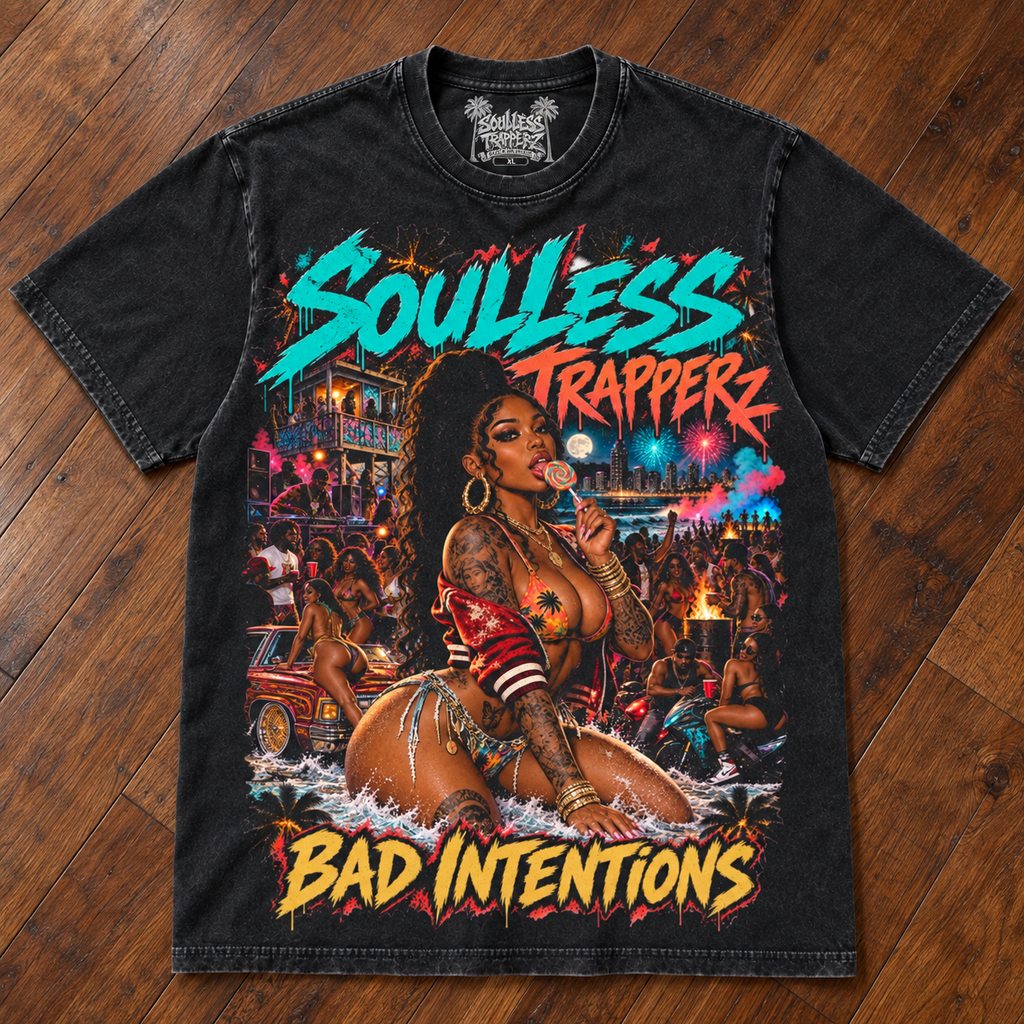
Soullesstrapperz.com
Finally found a DTF provider that doesn't leave a white haze. The colors are incredibly vibrant and the print is soft. This is my new go-to for DTFs
La calidad está buena y el servicio también
Ordered on Monday, shipped on Tuesday. The quality is outstanding. No white cast and the colors pop. Will definitely reorder.
Colors are vibrant and no white cast at all. Processing was fast but shipping took an extra day. Still happy with the final result on the shirt.
I've tried 5 different suppliers and this is the best quality by far. The ink sits perfectly on the fabric. No cracking, no peeling. Amazing.
I sell these shirts at my boutique and they fly off the shelf. The print quality is premium. People always ask where I get my transfers.
This is the main reason I keep ordering. The opacity is perfect. You can't tell it's a transfer, looks like direct print. Highly recommend.
The transfer quality is undeniable. No white cast and very soft hand feel. Just feels a bit pricey compared to others I've used, but you get what you pay for.
This is my 10th order. Consistency is perfect every single time. Fast processing and great communication. Keep up the good work.
The colors are so rich and bright. Even the light colors show up well on dark shirts. No white cast issues at all. Very happy.
The hand feel is incredibly soft. My customers say it doesn't feel like a transfer at all. Washes great too. Will order more.
Needed these for a rush order and they came through perfectly. Processed in 24 hours. Quality is top tier. Saved my business!
No see-through issues. The white ink base is perfect. Colors are accurate to the preview. Very impressed with the quality.
I use these on black Gildan 5000s and they look amazing. The contrast is perfect. No white cast. Easy to press.
You can tell they use high quality ink. It's vibrant and doesn't crack. I've washed my test shirt 10 times and it looks new.
I run a small business and need reliability. These guys deliver every time. Fast processing, great quality, no white cast. Perfect.
The box arrived a bit crushed and I was worried the transfer was ruined. Fortunately, the transfer sheet was protected well inside. The print quality is excellent, just wish the outer box was sturdier.
Very good quality. The colors pop nicely on the black tees I use. Instructions could be a bit more detailed for temperature settings, but I figured it out.
I was skeptical about DTF but this changed my mind. The quality is better than screen printing for small runs. No white cast.
Love the design and the quality is top notch. My only issue is I wish you offered a larger size option for this specific transfer. I have to place two sheets for my XL prints which is a pain.
The 'Gang Shet Builder' text is hilarious and prints perfectly. Sharp edges, great colors. My customers are laughing and buying.
The 'Gang Shet Builder' text is funny and prints well. Good adhesion. Only reason for 4 stars is I wish the gloss was a bit more matte, but that's personal preference.
Ordered Thursday, arrived Monday. Quality is excellent. No white cast. Very happy with the service and product.
I switched from DTG to these transfers and I'm never going back. Faster, cheaper, and better quality. No white cast issues.
Sticks perfectly to cotton and poly blends. I've tested both. No peeling corners. Very durable. Will reorder soon.
I order 50 at a time and every single sheet is perfect. No defects. Colors are consistent batch to batch. Great supplier.
Saves me so much time. Just press and peel. The quality is amazing. Colors are vibrant. No white cast. Love it.
Price is great for the quality you get. I can sell these shirts for a good profit. Fast processing too. Highly recommend.
It's rare to find both. Usually vibrant means stiff. These are soft AND colorful. No white cast. Perfect for retail.
Turnaround is insanely fast. I got my order in 2 days. Quality is top notch. No white cast. Will use for all my rush jobs.